
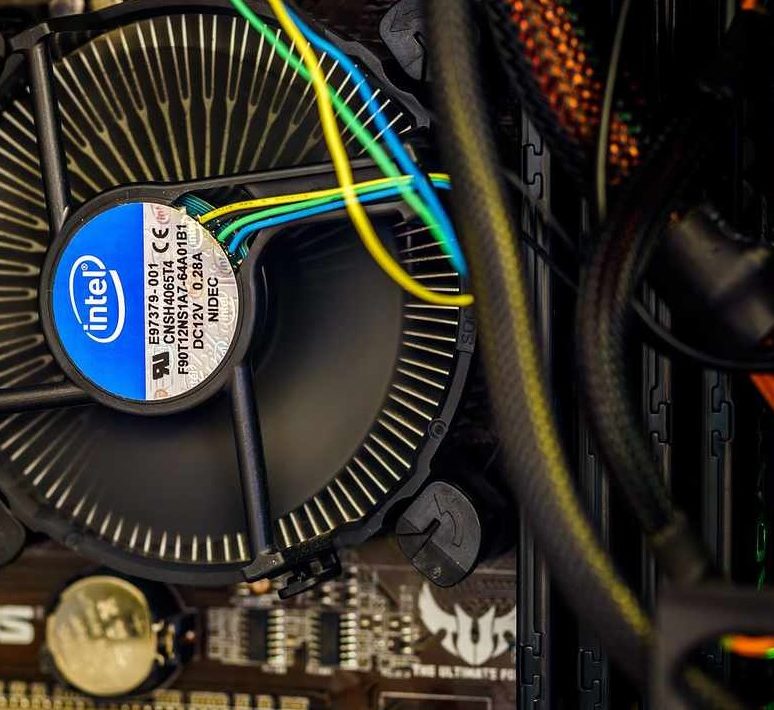
CMOS (Complementary Metal Oxide Semiconductor) battery powers the motherboard clock and stores CMOS settings for the next startup. Hardware identification & configuration will not be running if CMOS battery is faulty and in default settings state.
The average lifespan of PC & laptop CMOS battery is 3-5 years. It is recommended to replace to avoid loosing the motherboard configuration setting. This is different from the laptop battery. CMOS battery powers up the BIOS, a coin-size with a label of CR2032 while the laptop battery powers the entire components of the laptop & peripherals.


Common problem associated with faulty or dead CMOS battery.
- BIOS password will be reset or will have a boot error.
- Can’t connect into the interenet.
- PC BIOS may loose or erase system clock or BIOS settings.
- When booting the PC/ laptop it may prompt you to select boot device and system time.
Exercise caution when replacing a CMOS battery & refer to manufacturer manual.