
Table of Contents
Why Every Laptop Needs Regular Cleaning
Your laptop could be slowing down because of dust—not age.
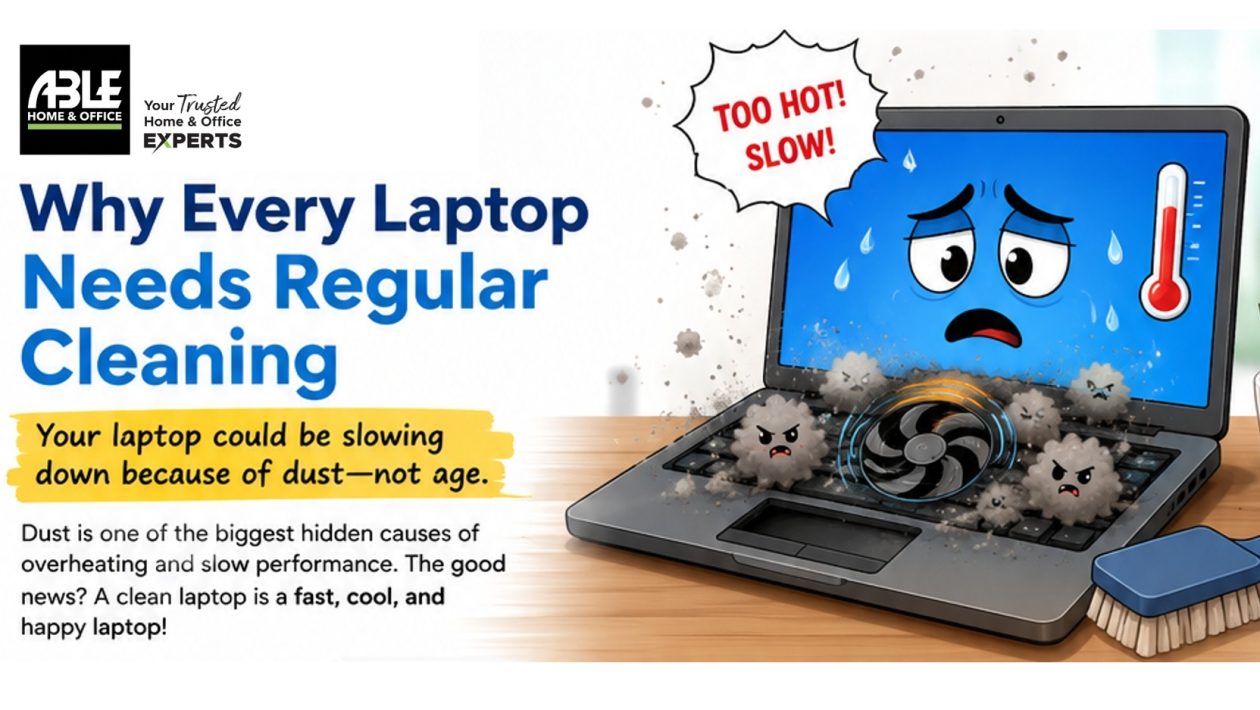
If your laptop has become slower, noisier, or unusually hot, it may not be time to replace it just yet. One of the most overlooked causes of poor laptop performance is something surprisingly simple: dust.
Over time, dust naturally builds up inside your laptop, especially around the cooling fan and air vents. As the dust accumulates, it restricts airflow, making it harder for the laptop to release heat. The cooling fan has to work harder, which often results in louder fan noise, higher operating temperatures, and reduced performance.
Signs Your Laptop Needs Cleaning
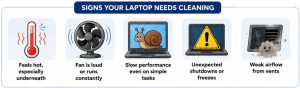
Here are a few common warning signs:
- The laptop feels unusually hot, especially underneath.
- The cooling fan runs constantly or becomes much louder than normal.
- Programs take longer to open or respond.
- The laptop slows down during simple tasks or unexpectedly shuts down.
- Airflow from the vents feels weak or blocked.
Ignoring these signs can shorten the lifespan of your laptop and, in severe cases, lead to costly hardware repairs.
Simple Ways to Keep Your Laptop Clean
Regular maintenance can help keep your laptop running efficiently.
- Keep the air vents free from dust and avoid placing the laptop on soft surfaces like beds or cushions that block airflow.
- Wipe the keyboard, screen, and exterior regularly using a soft microfiber cloth.
- Use compressed air to gently remove dust from the ventilation openings. Avoid using household vacuum cleaners, which can generate static electricity and potentially damage sensitive components.
- Keep food and drinks away from your workspace to reduce dirt and accidental spills.
- Restart your laptop regularly and install software updates to help maintain optimal performance.
When to Leave It to the Professionals
While external cleaning is safe for most users, opening a laptop requires the right tools and experience. Modern laptops contain delicate internal components, and improper cleaning can damage connectors, cooling systems, or other critical parts.
If your laptop continues to overheat, the fan remains noisy after basic cleaning, or performance doesn’t improve, it’s time to have it professionally serviced.
How Able Home & Office Can Help

The Able Home & Office Service Division provides professional laptop cleaning and maintenance services designed to keep your device operating at its best. Our experienced technicians can safely remove internal dust, inspect the cooling system, check hardware health, and recommend any preventive maintenance before small issues become expensive repairs.
Whether you use your laptop for school, business, or everyday tasks, regular servicing can improve performance, extend the life of your device, and help you avoid unexpected downtime.
A clean laptop is a cooler, quieter, and more reliable laptop. Regular maintenance today can save you from costly repairs tomorrow. Visit the nearest Able Home & Office branch and let our Service Division help keep your technology performing at its best.