
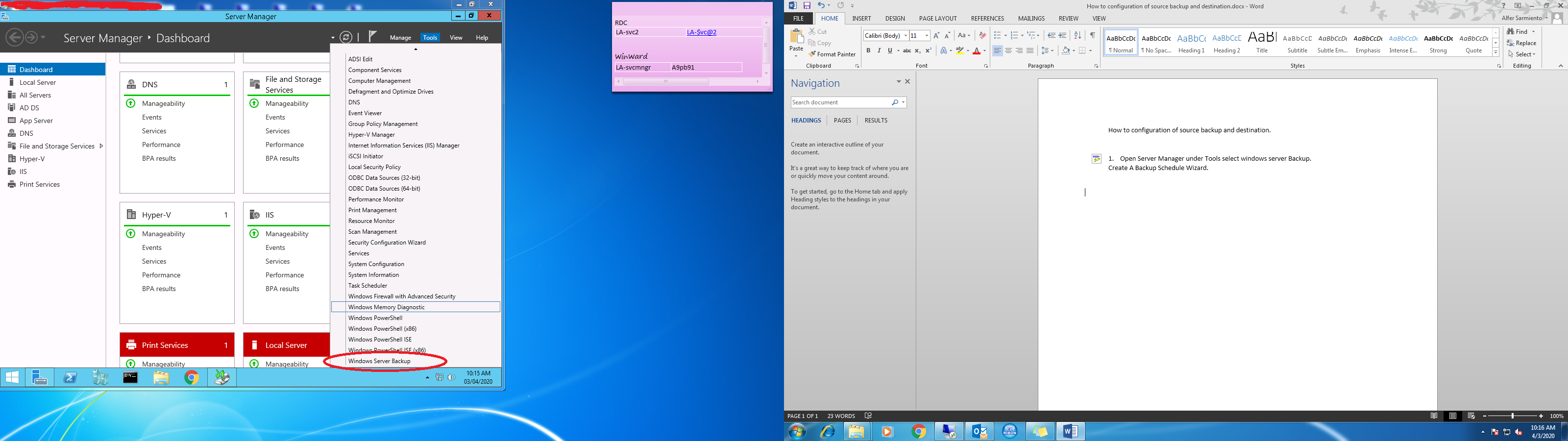
1. Open Server Manager under Tools select windows server Backup.
Create backup schedule wizard.
2. On the right Panel select backup schedule then click next.

3. Select Backup Configuration, Choose custom then click next.

4. Select the items that you want to back up then click next.

5. How often and when do you want to run backups schedule time. Once a day or more than once a day. Then click next.

6. Specify the Destination Type where do you want to backups.
Choose Back up to a hard disk that is dedicated for backups. Then click next.

7. Confirmation of The following backup schedule. Then click finish.


You saved me so much time greatful I found your webpage.
Appreciate the helpful info
Thanks so much for your hard work.