
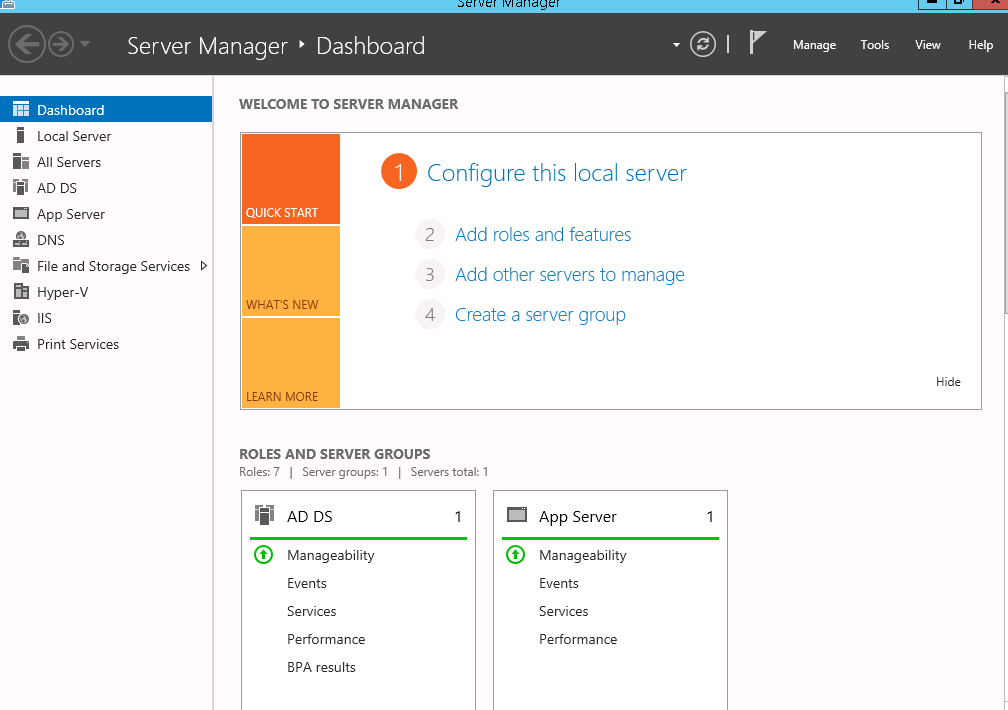
1. Open Server manager.

2. Select manage on top.

3. Select Add Role and Features and click next.
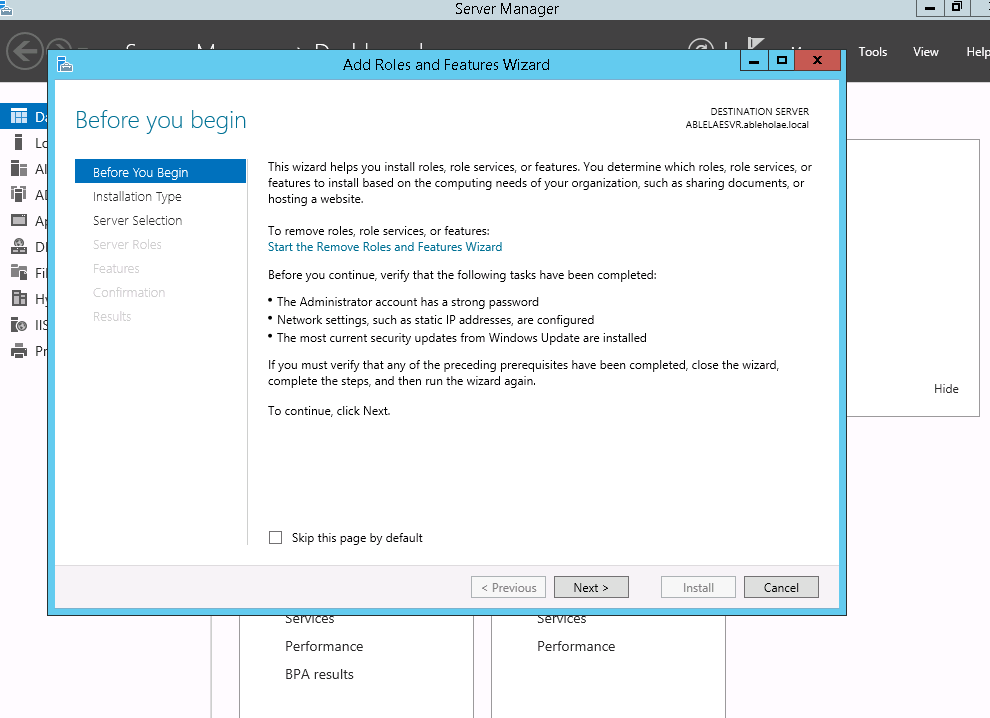
4. Select Role-based or feature-based installation click next until you see to the features selection screen.

5. Use the scroll bar to locate the item and Tick Windows server Backup and select next and yes and then install, It will automatically restart the destination server if necessary.

For the configuration of source backup and destination we will continue on the next blog.