
Table of Contents
How to Choose the Right UPS for Your Home or Office
One power outage can cost hours of work.
You’re in the middle of an important report. Your computer is running smoothly, your files are open, and you’re almost finished.
Then—the power goes out.
The screen goes black. Your work disappears. Your internet connection drops. Worse, repeated power interruptions and voltage fluctuations can damage sensitive electronics.
This is where a UPS (Uninterruptible Power Supply) can make a big difference.
What Does a UPS Actually Do?
A UPS provides temporary battery power when electricity is interrupted. It gives you valuable time to save your work and safely shut down your equipment.
Depending on the type and capacity, a UPS can also help protect connected equipment from certain power disturbances such as voltage fluctuations and surges.
For a home or office, a UPS can be used to support:
- Desktop computers and monitors
- Printers and other office equipment
- Wi-Fi routers and networking devices
- CCTV and security systems
- Small servers and critical IT equipment
Think of a UPS as a backup plan between your equipment and an unexpected power interruption.
Choosing the Right UPS Capacity
Not every UPS is suitable for every setup.
A small UPS may be enough for a computer and monitor, while an office server or network setup may require significantly more capacity.
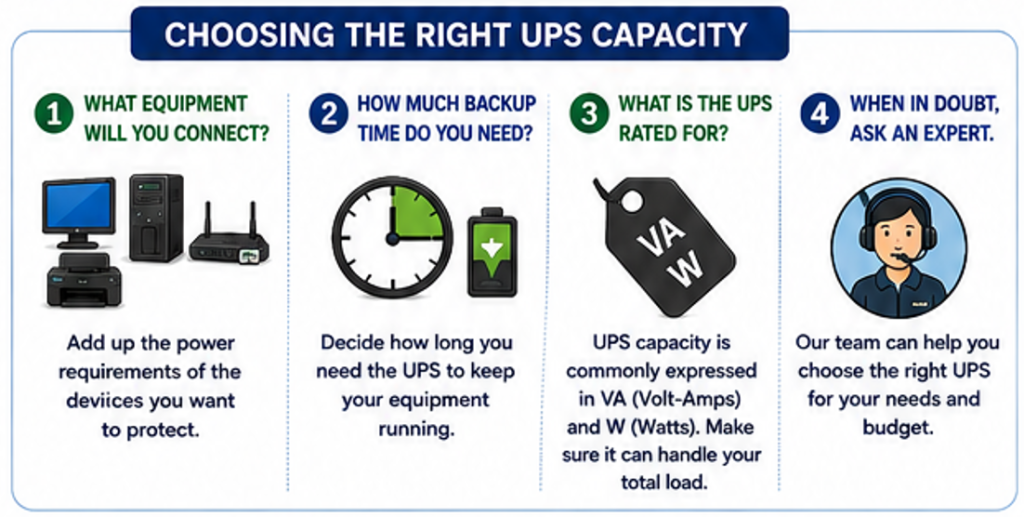
When choosing a UPS, consider:
1. What equipment will you connect?
Add up the power requirements of the devices you want to protect.
2. How much backup time do you need?
If you only need enough time to save your work and shut down, a smaller UPS may be sufficient. Critical equipment may require longer runtime.
3. What is the UPS rated for?
UPS capacity is commonly expressed in VA (Volt-Amps) and W (Watts). Make sure the UPS can handle the total load of your connected equipment.
When in doubt, ask an expert before buying.
Protect More Than Just Your Computer
Many people think about protecting their desktop computer but forget about the equipment that keeps them connected.
A power interruption can also affect your router, modem, network switch, CCTV system, or other essential devices.
For businesses, keeping networking equipment powered for even a short period can help maintain connectivity and give staff time to save work and shut down systems properly.
Don’t Forget the Battery
A UPS is only useful when its battery is in good condition.
Over time, UPS batteries naturally lose their ability to hold a charge. Regular checks can help identify a battery that needs replacement before an emergency occurs.
Keep your UPS in a cool, dry and well-ventilated location, avoid overloading it, and have the battery checked or replaced when required.
A UPS that hasn’t been maintained may not be ready when you need it most.
How Able Home & Office Can Help
Choosing the right UPS isn’t simply about buying the biggest unit available.
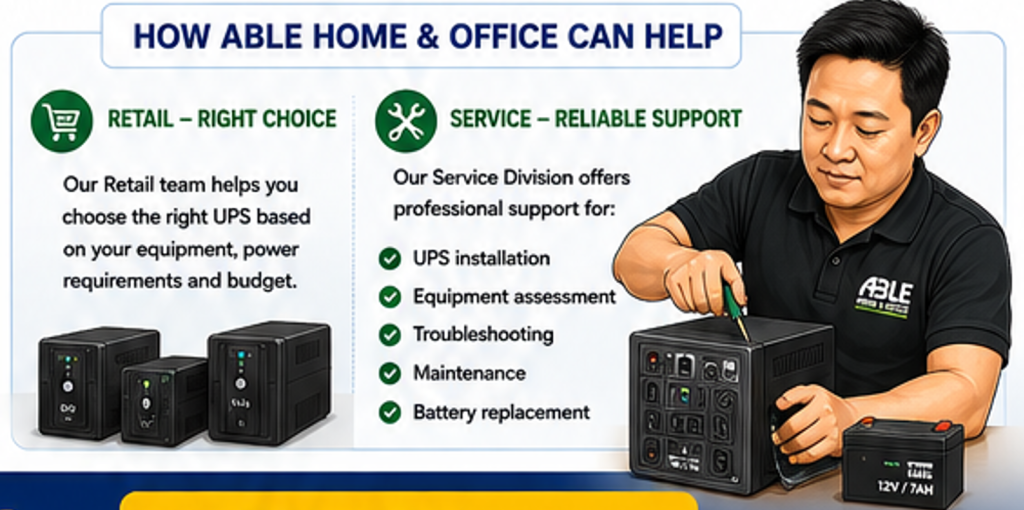
At Able Home & Office, our Retail team can help you select a UPS based on your equipment, power requirements and budget. Whether you’re protecting a home computer, small office, networking equipment, or other IT devices, we can help you find a suitable solution.
And our support doesn’t stop at the point of sale.
The Able Home & Office Service Division can assist with UPS installation, equipment assessment, troubleshooting, maintenance and battery replacement. Our technicians can also help assess your existing setup and recommend appropriate protection for your critical equipment.
Stay Powered. Stay Protected.
Power interruptions are sometimes unavoidable—but being unprepared doesn’t have to be.
A properly selected and maintained UPS can give you valuable backup time, reduce the risk of disruption, and provide an additional layer of protection for your essential technology.
Visit your nearest Able Home & Office branch and talk to our team about the right UPS for your home or office.
Able Home & Office — Your Trusted Home & Office Experts.
ABLE TECH TIPS
Practical technology advice from Able Home & Office to help you work smarter, stay protected and get more from your technology.