

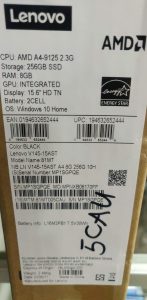
SPECS:
BRAND: LENOVO
CPU: AMD A4-9125 2.3GHZ –
STORAGE: 256GB SSD – RAM 8GB
DISPLAY: 15.6 HD – BATTERY 2 CELL
OS: WINDOWS 10 HOME
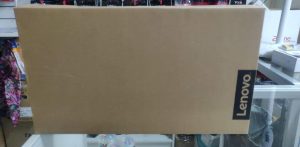
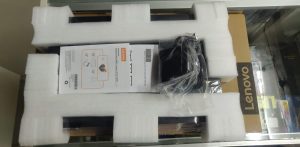
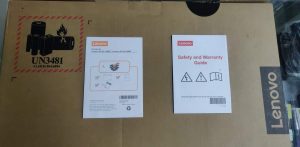
As you can see we have the laptop, power pack, with safety and warranty guide from the box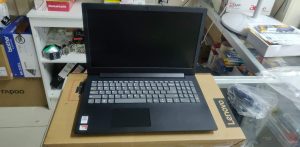
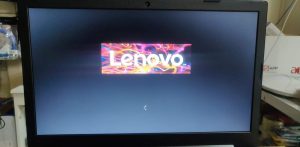 let’s start by turning on the laptop
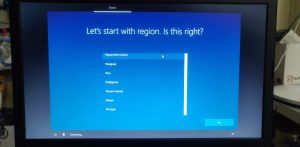
choose your region
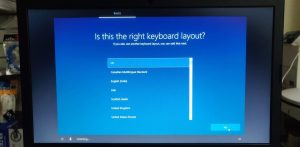
select your keyboard layout then you can also add a second keyboard layout
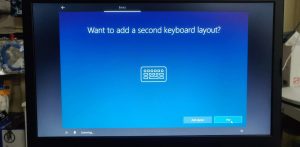
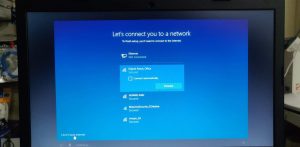
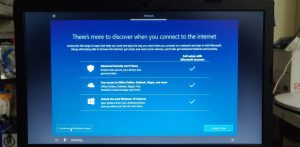
options for you to connect to the internet if not then you can just skip and connect later 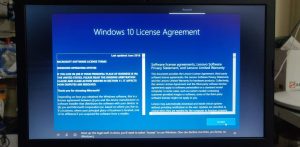
windows license agreement, read then make sure to click accept
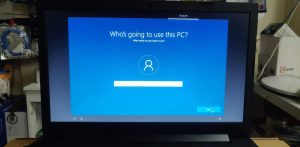
options for you to type a name and a password for security reasons 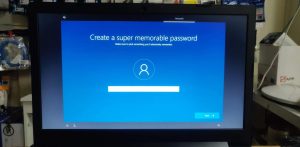
continue by reading the options below and click either next/accept
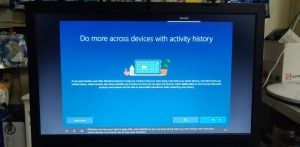
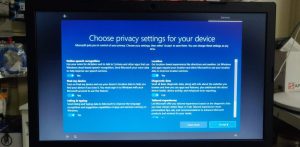
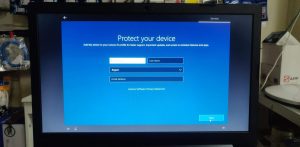
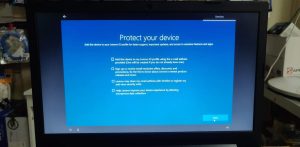
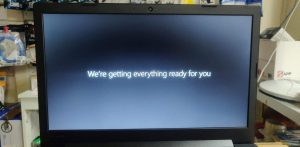
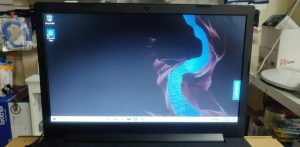
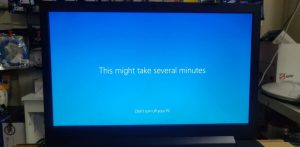 wait for a while until you will see the windows desktop screen
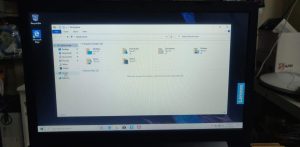
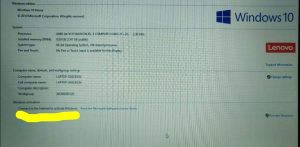
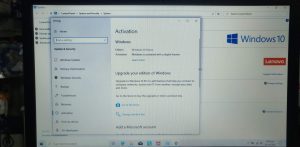
when you’re in, click the yellow folder in the taskbar then look for “this pc” for you to activate the windows. In order to activate the windows you should have internet connection.
Once you’re connected to the internet just click activate windows on the right side part and if there’s no problem with the connection, your windows should be activated in less than 2 minutes and you’re good to go.