

Close your apps when you’re not using them. Never prop up your notebook on a pillow. These easy tips will help you squeeze longer battery life out of your Windows 10 or Mac laptop.

Use the Windows Battery Performance Slider
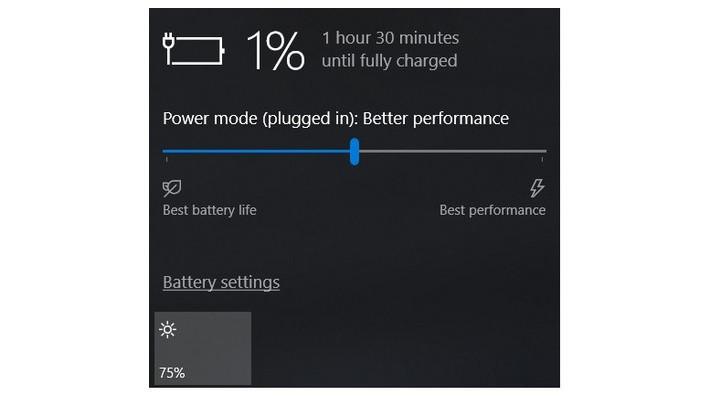
The first stop on our battery-life betterment tour is the Windows battery performance slider, a recent addition to Windows 10. It aims to group all of the settings that affect battery life into a few easy-to-understand categories. The company that made your PC determines exactly which settings the battery slider controls. But in general, keep these guidelines in mind:
- The Best Performance mode is for people willing to trade off battery runtime to gain performance and responsiveness. In this mode, Windows won’t stop apps running in the background from consuming a lot of power.
- The Better Performance setting limits resources for background apps, but it otherwise prioritizes power over efficiency.
- Better Battery mode delivers longer battery life than the default settings on previous versions of Windows.
- Battery Saver mode, a slider choice that will appear only when your PC is unplugged, reduces the display brightness by 30 percent, prevents Windows update downloads, stops the Mail app from syncing, and suspends most background apps.
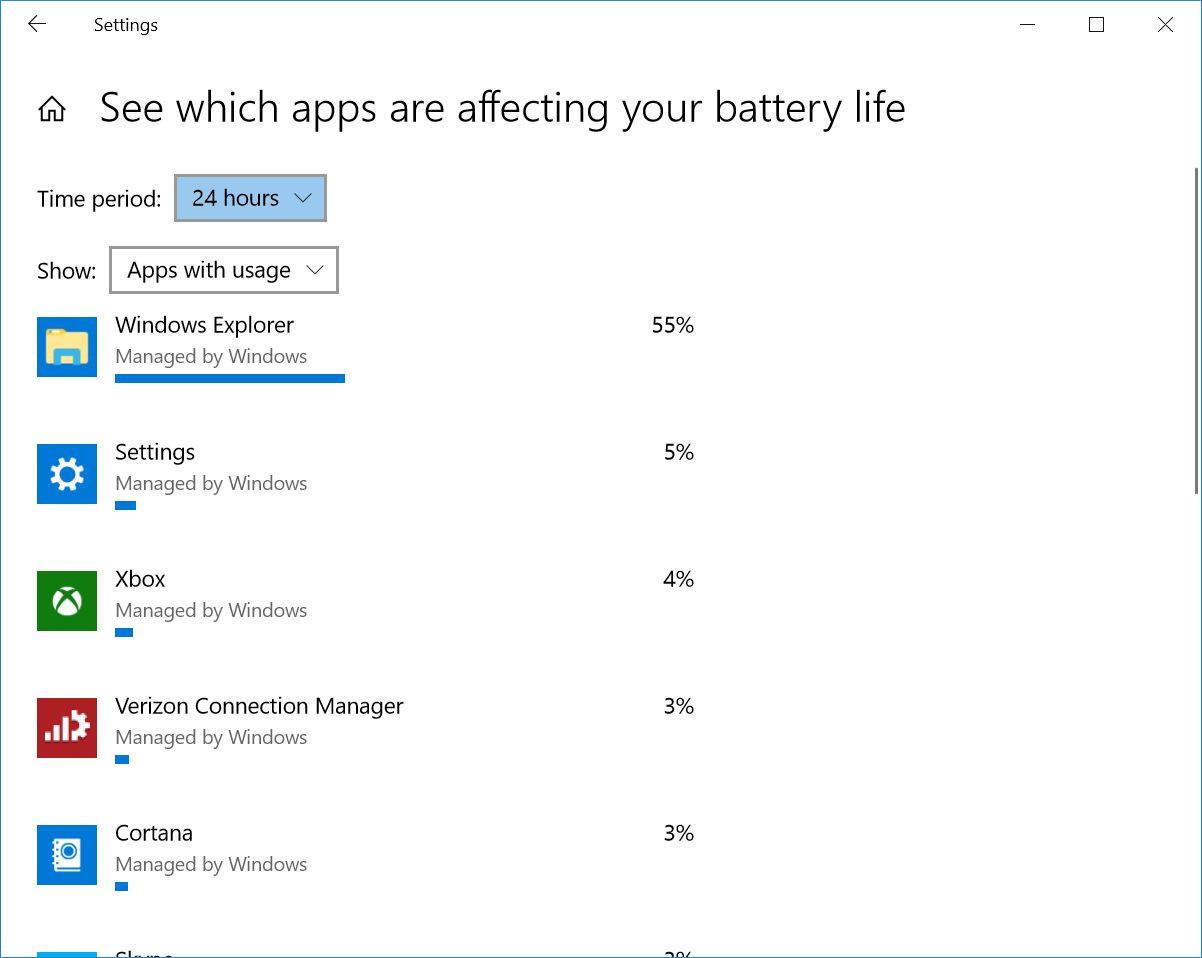
Multiple apps and processes running on your system will chew through battery life more quickly, and chances are you probably aren’t actively using everything that’s currently running on your PC. In Windows 10, the Settings App is the first step to find energy-hogging programs.
Type “see which apps are affecting your battery life” into the Windows search bar for a list of apps that are consuming the most power. If you see an app that you rarely use hogging a lot of power, make sure you close it. Often, these are apps you’ve opened in the background and forgot about, such as Spotify or Adobe Reader.
Hello! I simply would like to offer you a big thumbs up for your excellent information you’ve got right here on this post. I am coming back to your web site for more soon.|
this is the best detail i have got so far so you should must consider it