STEP 1.
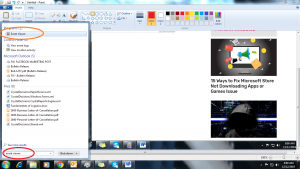
If you are using Windows 10 or Windows 7, click the start icon and type Event Viewer in the search box. Event viewer program will appear. Click on it.
Step 2.
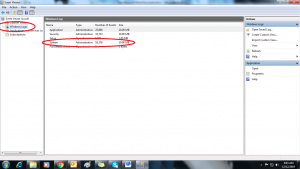
Event Viewer window will open. On the left side of that window click on Windows Logs. Now on the right side, click on System.
Step 3.
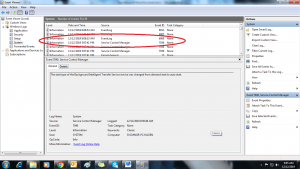
All the system files will open on the right side. On the source column you have to find out Eventlog source having Event ID 7036 (7036 is an event ID for shutdown). You will find many Eventlog sources having event ID 6009. But you need to figure out source with the most recent date and time.